Google Business Profile suspended? Why it happens and how to get it back
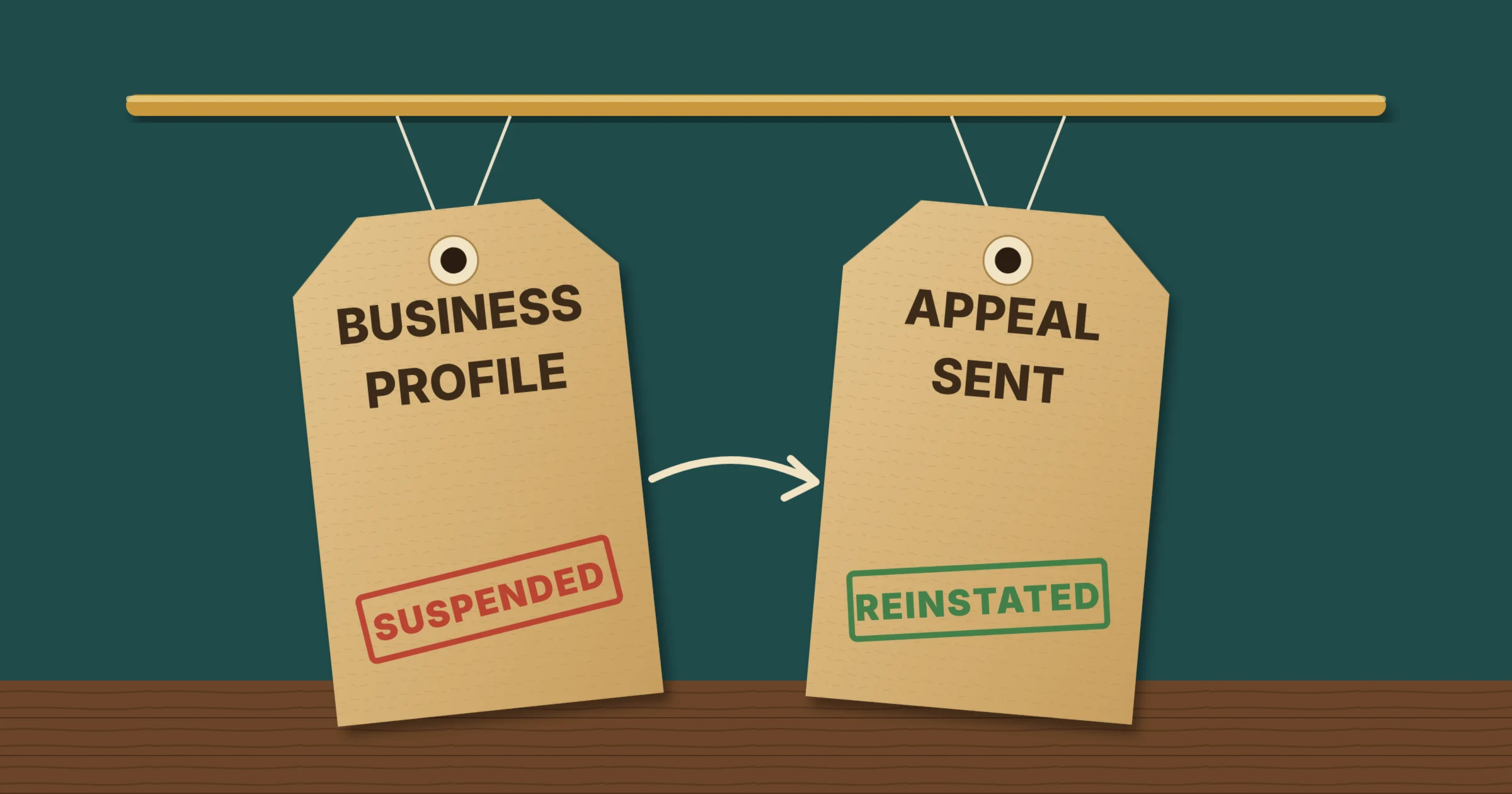
A suspended Google Business Profile means Google has decided the profile breaks one of its guidelines. Depending on the type of suspension, your business either disappears from Google Maps and the local results or stays visible while you lose the ability to manage it. Most suspensions come from a small set of causes, and many can be reversed with an appeal, as long as you fix the problem first and send the right evidence.
Your profile is the centre of local SEO, so a suspension can cut calls, direction requests and bookings overnight. This guide explains what a suspension means, why Google suspends profiles, what to check before you appeal, the evidence to gather and how to submit an appeal through Google’s appeals tool. It also covers what to do if the appeal is turned down and how to make another suspension less likely.
What a suspended Google Business Profile means
A Google Business Profile is the listing that shows your business on Google Search and Maps. Google can restrict it when its systems or reviewers think the profile, the business behind it or the person managing it does not meet its guidelines.
Google’s help page on suspended and disabled profiles explains how to appeal. Specialists who handle these cases in Google’s own Business Profile Community usually describe two practical situations:
- Soft suspension: the profile stays live on Search and Maps, but you can no longer edit or manage it. This often points to a problem with the account or the manager rather than the business.
- Hard suspension: the profile is removed from Search and Maps, along with its reviews and photos from public view. This usually means Google has doubts about the business itself, such as its address or whether it is eligible at all.
Either way, nothing you add to the profile will take effect until it is reinstated. A reinstated profile normally comes back with its reviews, so it is worth appealing rather than starting again.
Why Google suspends business profiles
Google rarely tells you the exact reason. In most cases the trigger is one of these:
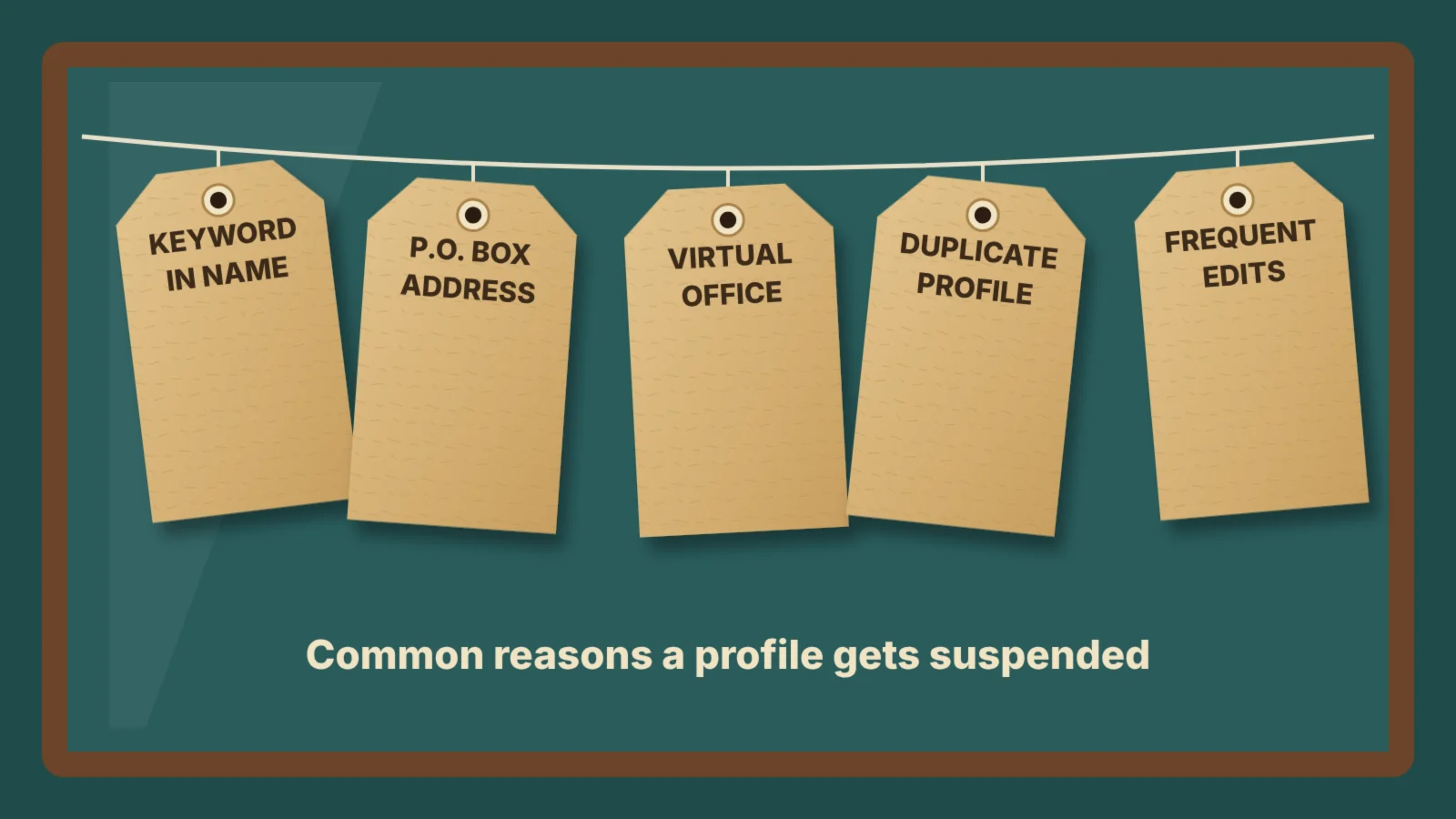
- Keywords in the business name. Adding services or towns to your name, such as “Smith Plumbing Emergency Plumber Leeds”, breaks Google’s naming rules. Your profile name should match the name on your signage, website and paperwork.
- An address Google does not accept. P.O. boxes are not allowed, and virtual offices, mail-forwarding addresses and co-working desks often lead to suspension unless staff are there during your opening hours.
- Showing an address you should hide. If you visit customers and do not serve them at your premises, Google expects a service-area business with the address hidden.
- An ineligible business. Online-only businesses, rental properties and businesses without face-to-face contact with customers do not qualify.
- Duplicate or extra profiles. More than one profile for the same business at the same location is a common trigger.
- Big or frequent edits. Changing the name, address or category, especially several times in a short period, can prompt an automatic review.
- Review policy breaches. Buying reviews, offering incentives or filtering who you ask can put the whole profile at risk.
Sometimes a genuine business is flagged by mistake. That is what the appeal process is for, but it still helps to check every item above before you appeal.
What to do before you appeal
An appeal that does not fix the underlying problem is likely to be refused. Before you open the appeals tool:
- Read Google’s guidelines for representing your business and compare them with your profile line by line.
- Correct anything that breaks the rules, such as removing keywords from the name or switching to a service-area profile.
- Make sure your name, address and phone number, your NAP details, match your website and main directory listings.
- Check which Google accounts manage the profile and remove anyone you do not recognise.
- Do not create a new profile for the same business. Google’s help pages warn against it, and a duplicate can make things worse.
Evidence to gather before you appeal
Google asks for evidence that the business is real and operates at the address or in the area on the profile. Once you open the evidence form, you have 60 minutes to submit it, so prepare the files first. Useful evidence for a UK business includes:
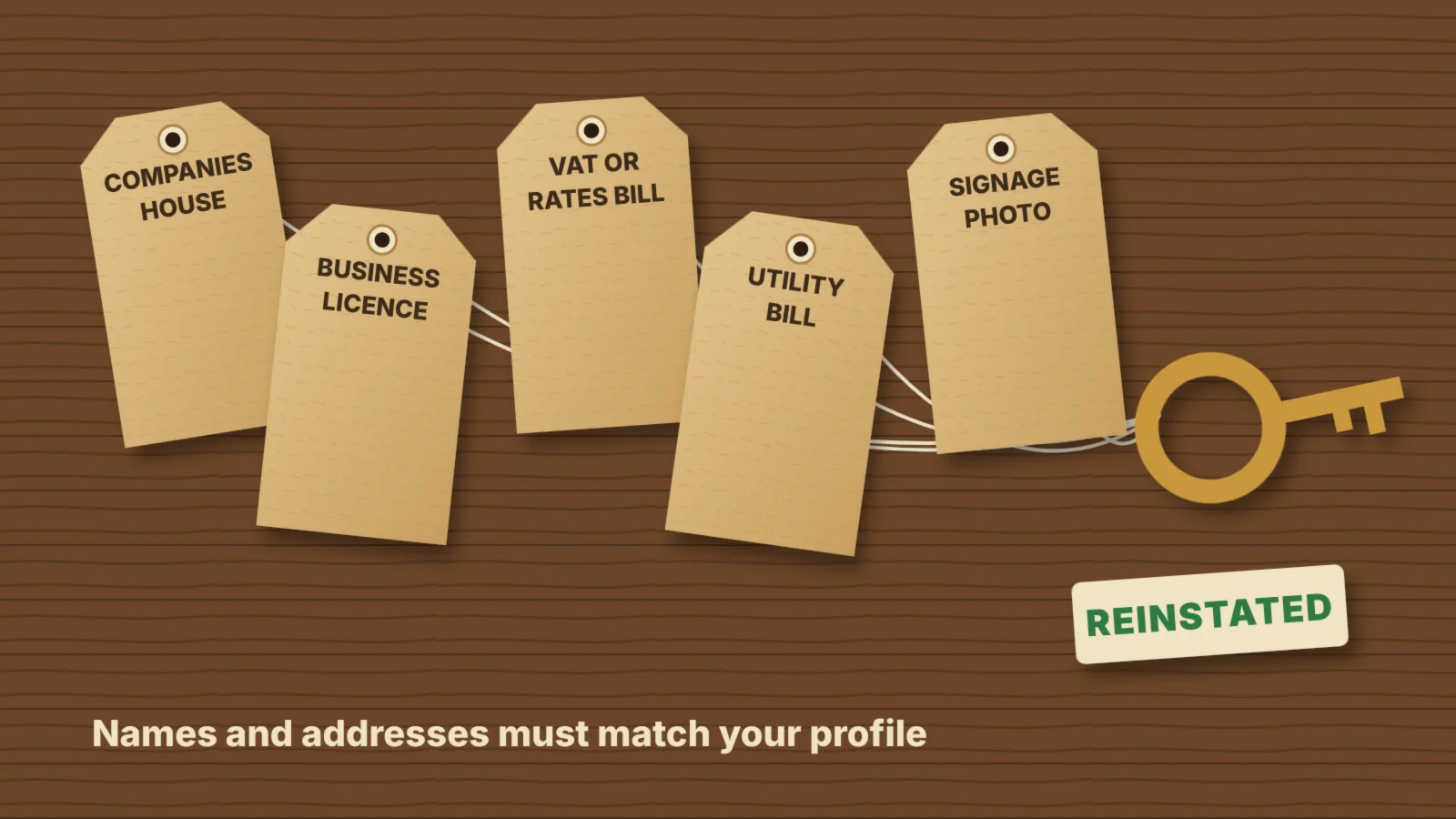
- Official registration, such as your Companies House certificate of incorporation, or proof of self-employment from HMRC if you are a sole trader.
- A business licence, where your trade needs one, such as a premises, food hygiene or taxi licence.
- A tax document, such as a VAT registration certificate or a recent business rates bill.
- A utility bill in the business name at the address on the profile.
- Photos of your signage, showing the business name on the building or entrance.
- Photos of branded vehicles or equipment, which help service-area businesses that do not have a shopfront.
The name and address on each document should match the profile exactly. A document that shows a different trading name or a home address can weaken your appeal.
How to appeal a suspended profile, step by step
Google handles suspensions through its Business Profile appeals tool. The process is:
- Sign in with the Google account that owns or manages the profile.
- Open the appeals tool from the link in Google’s suspension email or from the Google Business Profile help centre.
- Select the profile and the decision you want to appeal.
- Explain briefly why the profile meets the guidelines and what you have changed.
- Upload your evidence within 60 minutes of opening the evidence form.
- Submit the appeal and keep a note of the date.
- Check the status in the appeals tool. It shows whether the appeal is submitted, approved, not approved, cannot be appealed or eligible for appeal.
Google says reviews can take up to five business days. Avoid editing the profile while you wait, as changes can restart the review or raise new flags.
What to do if your appeal is denied
You can usually appeal a decision only once through the tool, so make the first appeal count. If it is turned down:
- Read the decision carefully and look again for anything on the profile that still breaks the guidelines.
- Gather stronger evidence rather than resending the same documents.
- Ask in Google’s Business Profile Community, where volunteer Product Experts can review your case and sometimes escalate it.
- Contact Google Business Profile support through the help centre if a further review is offered.
If Google decides the business is not eligible, no appeal will change that. Put the effort into your website, local citations and other channels instead.
How to keep your profile from being suspended again
Most suspensions can be avoided with a few habits:
- Use your real business name, with no added keywords or locations.
- Only show an address where you meet customers, and use a service area if you do not.
- Keep one profile per business and location.
- Make changes to key details only when something genuinely changes, and make them in one go.
- Ask for reviews in a way that follows Google’s rules.
- Keep at least two trusted owners on the profile, with secure Google accounts.
A profile that stays live and accurate also feeds the information that AI tools draw on for local answers, which is covered in local SEO and AI search.
Frequently asked questions
Why was my Google Business Profile suspended?
Usually because Google thinks the profile breaks its guidelines. Common reasons are keywords in the business name, an address that is a P.O. box or virtual office, a visible address for a business that serves customers elsewhere, duplicate profiles, frequent edits to key details and fake or incentivised reviews.
How long does it take to get a suspended profile back?
Google says appeal reviews can take up to five business days. Cases that need extra checks can take longer, and a profile is only restored if the appeal is approved.
Will I lose my reviews if my profile is suspended?
Reviews are hidden while a profile is suspended, but they normally return when it is reinstated. That is one reason to appeal rather than create a new profile.
Should I create a new profile if mine is suspended?
No. Google advises against creating a new profile for the same business, and a duplicate can lead to further suspensions.
What evidence does Google accept for an appeal?
Documents that prove the business is real and operates at the address on the profile, such as a Companies House certificate, a business licence, a tax document or a utility bill, plus photos of signage or branded vehicles. The name and address must match the profile.
On this page
Back to topGet your local visibility back on track
Kutola reviews your Google Business Profile against Google’s guidelines, fixes what puts it at risk and builds the wider local presence that keeps you visible in search and AI answers. See how it fits into our SEO and AI search work, or get in touch to talk through your profile.