How to get more Google reviews without breaking UK law
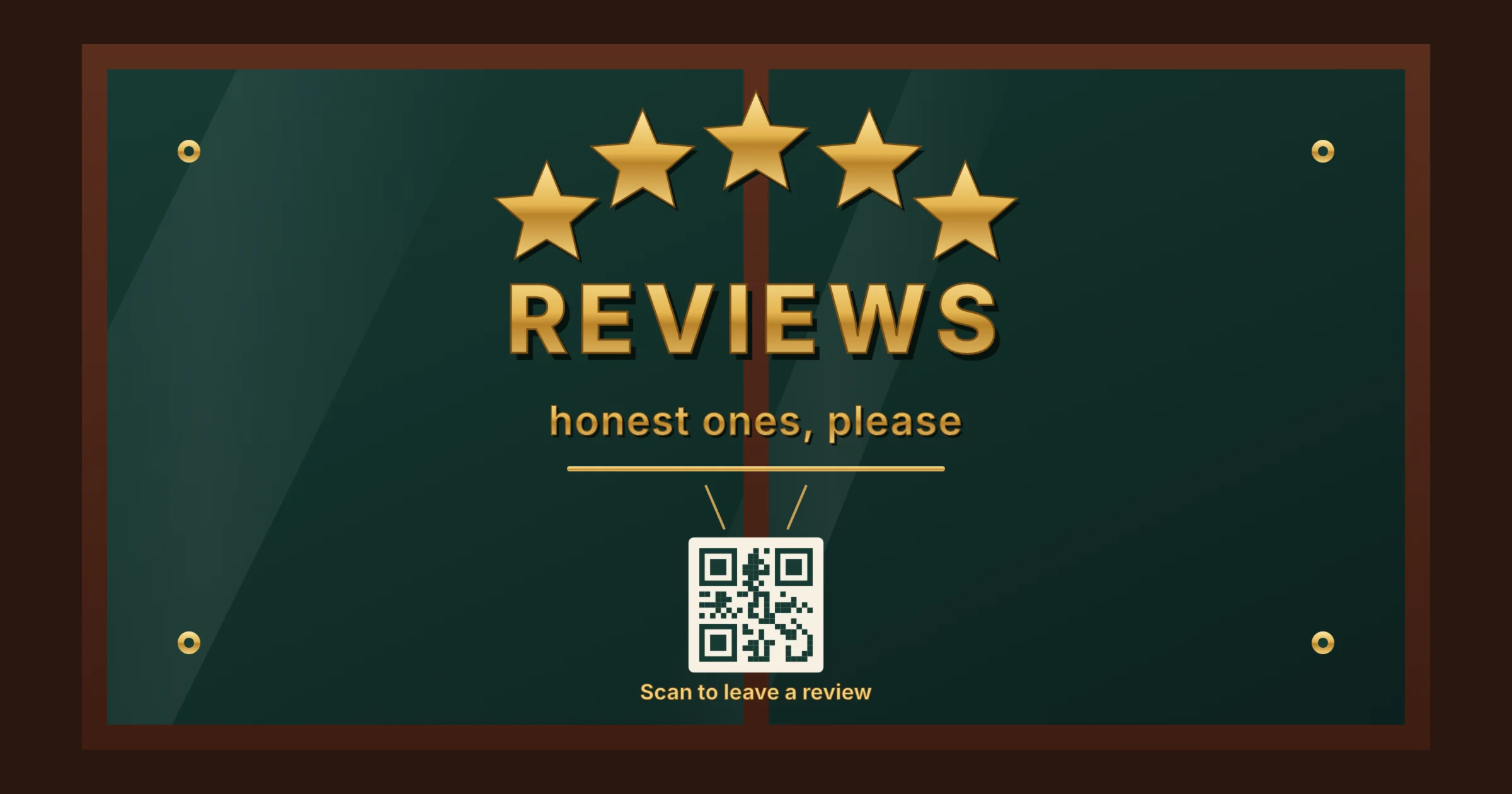
The legal way to get more Google reviews is simple: ask every customer at the right moment with a direct link, and never pay for, filter or write reviews yourself. Since April 2025, UK law has banned fake reviews and hidden incentives outright, and Google’s own rules go further by banning incentives of any kind. A steady routine of honest asking beats every shortcut, and it carries none of the risk.
Reviews are one of the strongest signals in local SEO, and one of the first things a new customer checks. This guide explains why Google reviews matter, what the Digital Markets, Competition and Consumers Act and Google’s policies allow, how to ask for reviews step by step, what to say and how to deal with negative or fake ones.
Why Google reviews matter
Reviews appear next to your business in the map pack, on Google Maps and in the panel beside branded searches. They affect two things at once.
- Where you rank. Google lists reviews as part of prominence, one of the three factors it uses to rank local results. The number of reviews, the average rating and how recent they are all play a part.
- Whether people choose you. Reviews are social proof. A business with plenty of recent reviews and thoughtful replies looks active and trustworthy, even if its rating is slightly lower than a rival’s.
AI assistants increasingly draw on the same review data when people ask for a recommendation, so a healthy review profile also helps you appear in AI answers about businesses in your area.
What UK law says about reviews
The Digital Markets, Competition and Consumers Act 2024 added fake reviews to the list of commercial practices that are always unfair. The ban has applied since 6 April 2025, and the Competition and Markets Authority explains it in its fake reviews guidance (CMA208).
Under the Act, a business must not:
- Write or commission fake reviews. That includes reviews by owners, staff, friends or family posing as customers, as well as reviews bought from a third party.
- Hide an incentive. A review given in return for a discount, gift, free product or prize draw entry is an incentivised review. The Act allows it only if the incentive is clearly disclosed, but Google does not allow it at all.
- Present reviews in a misleading way. Suppressing negative reviews, showing only the best ones as if they were typical or mixing reviews of different products can all mislead customers.
Businesses that publish reviews, such as review sites, shops with reviews on product pages and marketplaces, must also take reasonable steps to prevent and remove fake reviews. The CMA can now decide on breaches itself and fine businesses up to 10% of global turnover.
The CMA has started using these powers. In March 2026 it opened its first investigations into fake and misleading reviews, covering five businesses including Just Eat, Autotrader and Dignity. The concerns include staff being asked to post positive reviews and discounts offered in return for five-star ratings. These are investigations, not findings, but they show the kind of practice the CMA is looking at. Our guide to social proof and the law covers how the same rules apply to testimonials and endorsements.
What Google’s review policies do not allow
Google’s prohibited and restricted content policy sets the rules for reviews on Maps and Search. They are stricter than the law in one important way: incentives are banned even when disclosed.
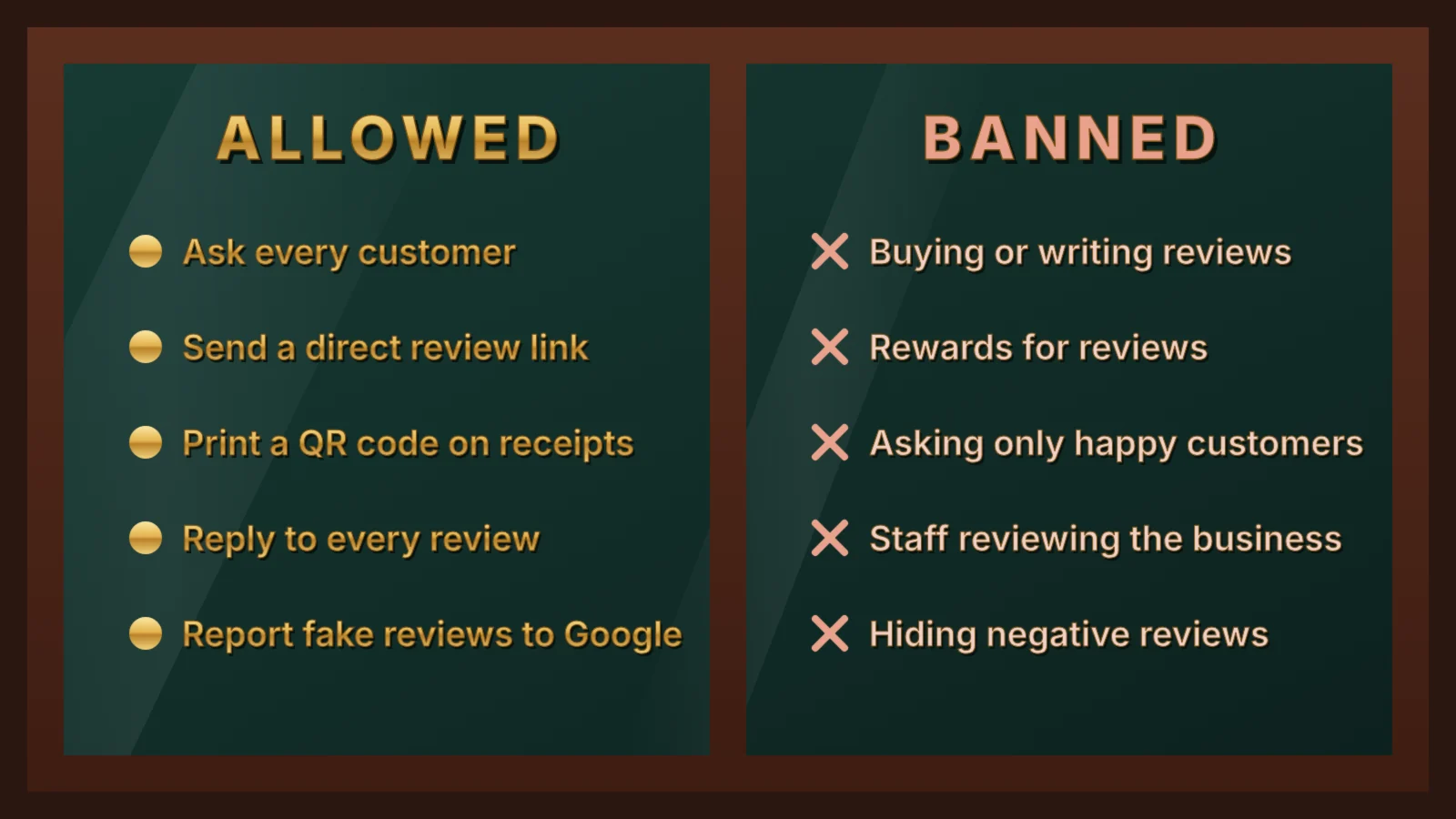
- No incentives. You cannot offer money, discounts, free products, prize draw entries or any other reward for a review, positive or negative.
- No review gating. You cannot ask only happy customers or check satisfaction first and send only positive responders to Google. Discouraging negative reviews breaks the rules too.
- No conflicts of interest. Owners and staff must not review their own business, and nobody should review a competitor to harm it.
- No reviews on someone else’s behalf. Staff cannot write reviews for customers, even with permission, and a customer’s review must reflect their own experience.
Breaking these rules can cost more than the reviews themselves. Under undertakings Google gave the CMA in January 2025, UK businesses that boost their ratings with fake reviews can have new reviews switched off and a warning shown on their profile telling customers that suspicious reviews were removed. Repeat offenders can have all their reviews removed for six months or more.
How to get more Google reviews in 6 steps
- Get your review link. In your Google Business Profile, choose “Ask for reviews” to copy a short link that opens the review form directly. Turn it into a QR code for print.
- Pick the right moment. Ask when the customer has just seen the result: a finished job, a delivered order, a good appointment. Within a day or two works far better than weeks later.
- Ask every customer the same way. Build the request into your normal process so nobody is picked or skipped. That keeps you within Google’s rules and gives a more honest picture.
- Make it effortless. Send the link by email or text, print the QR code on receipts, invoices and cards. Add it to your email signature too. Every extra click loses people.
- Ask in person first. A short, genuine request from the person who did the work makes people far more likely to follow the link later.
- Follow up once. A single reminder a few days later is reasonable. Repeated chasing annoys people and can lead to the negative review you were trying to avoid.
What to say when you ask
Keep the request short, personal and neutral. Ask for an honest review, not a five-star one.
In person
“Thanks for choosing us. If you have a minute, an honest review on Google really helps a small business like ours. I’ll send you the link.”
By text message
“Hi Sam, thanks for having us round today. If you’re happy to, could you leave an honest review on Google? It takes a minute: [link]. Thanks, Priya at Bright Plumbing.”
By email
Use a clear subject line, such as “How did we do?”, one or two sentences of thanks, the direct link as a button and your name. Keep it a plain request. If you add an offer or promote other products, the message counts as marketing and the PECR rules on marketing emails and texts apply.
Reply to every review
Replies show future customers how you treat people, often more clearly than the reviews themselves. Aim to reply within a few days.
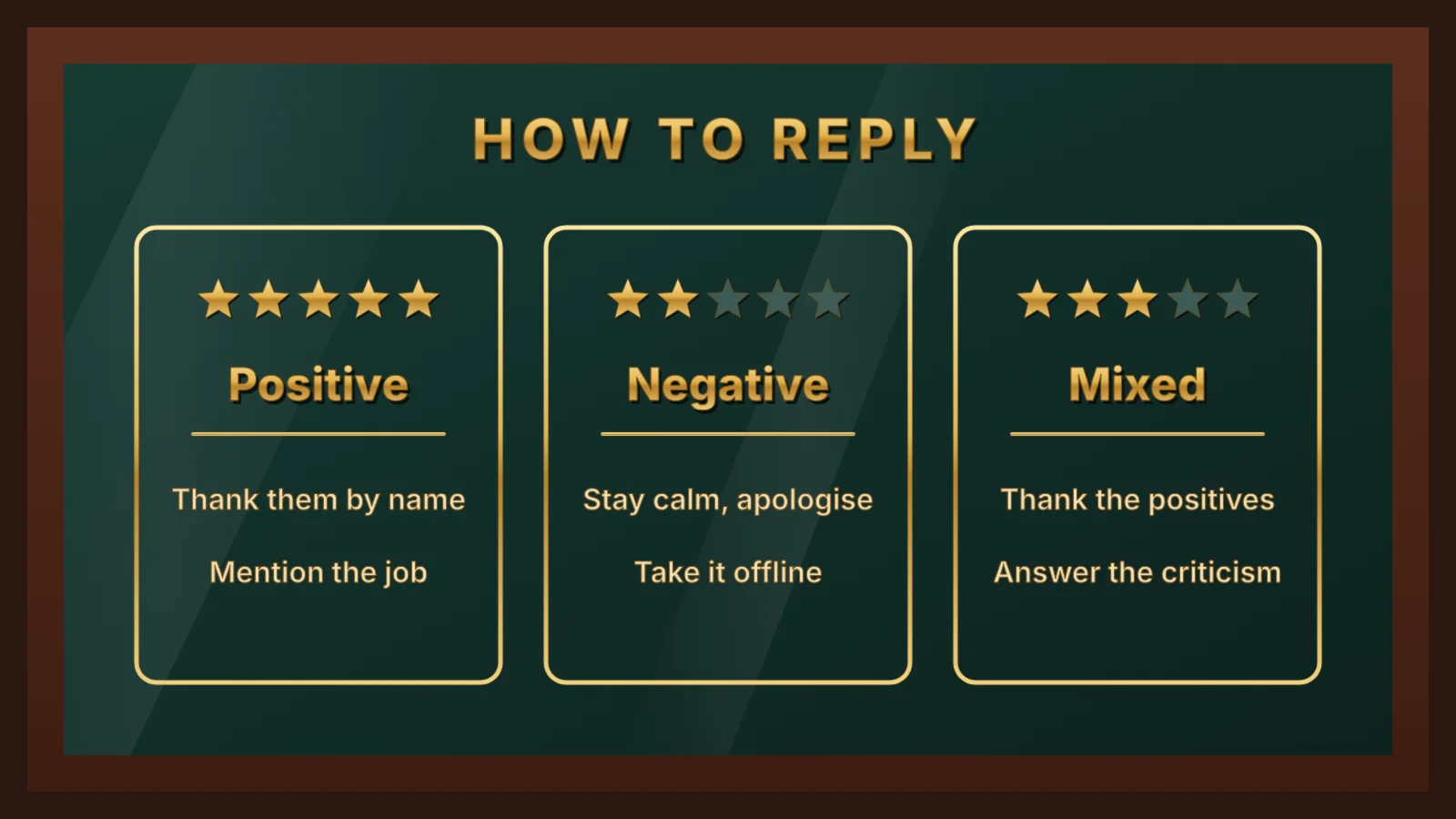
- Positive reviews: thank the person by name and mention something specific about the job or visit.
- Negative reviews: stay calm, apologise for the experience without arguing, explain briefly what you will do and give a way to continue the conversation offline.
- Mixed reviews: thank them for the positives and answer the criticism directly.
Never offer a refund, discount or gift in return for changing or removing a review. That is an incentive under both the law and Google’s rules. Sorting out the problem is fine. Making the fix depend on the review is not.
What to do about fake or unfair reviews
You cannot delete a review just because it is negative. You can report reviews that break Google’s policies, such as spam, reviews from people who were never customers, offensive content or reviews posted by a competitor.
- Check the review against Google’s policies. A harsh but genuine review is not a policy breach.
- Report it from your profile. Use the report option on the review, or Google’s reviews management tool, and choose the reason that fits.
- Reply publicly while you wait. A short, polite reply stating that you have no record of the customer and inviting them to get in touch reassures other readers.
- Keep evidence. Screenshots, dates and booking records help if you need to appeal a decision.
If you suspect a competitor or a review seller is targeting you, you can also report it to the CMA.
Common mistakes
- Buying reviews or asking friends and family to post them. Both count as fake reviews under UK law.
- Running a prize draw for reviewers. Even if every reviewer can enter, Google treats it as an incentive.
- Sending a satisfaction survey first. Pointing only happy responders to Google is review gating.
- Asking staff to review the business. It is a conflict of interest and one of the practices the CMA is investigating.
- Using a review station on the premises. Several reviews posted from one shared tablet in your shop can look suspicious to Google’s spam filters and may be removed.
- Ignoring reviews. An unanswered negative review does more damage than one with a calm, helpful reply.
- Asking in bursts. A sudden flood of reviews after months of none can trigger Google’s spam filters. A steady flow is safer and looks more natural.
Frequently asked questions
Is it legal to ask customers for Google reviews in the UK?
Yes. Asking genuine customers for an honest review is legal and encouraged. What the law bans is fake reviews, hidden incentives and presenting reviews in a misleading way.
Can I offer a discount for a Google review?
No. UK law allows incentivised reviews only if the incentive is clearly disclosed, but Google bans incentives of any kind, so offering a discount, gift or prize draw entry for a Google review breaks its policies.
Can I ask only happy customers for a review?
No. Asking only customers you expect to be positive is called review gating, and Google’s policies do not allow it. Ask every customer in the same way.
Can I remove a negative Google review?
Only if it breaks Google’s policies, for example if it is spam, offensive or from someone who was never a customer. You can report it from your Business Profile. Genuine negative reviews stay, so reply calmly and helpfully instead.
What happens if a business posts fake reviews?
The CMA can fine businesses up to 10% of global turnover under the Digital Markets, Competition and Consumers Act. Google can also remove reviews, stop new ones and show a warning on the business’s profile.
On this page
Back to topBuild a review routine that lasts
Kutola helps local businesses set up review requests that fit their workflow, reply to reviews well and turn their Google Business Profile into a steady source of calls and enquiries. See how it fits into our SEO and AI search work, or get in touch to talk through your reviews.