How to improve page speed when you’re not a developer
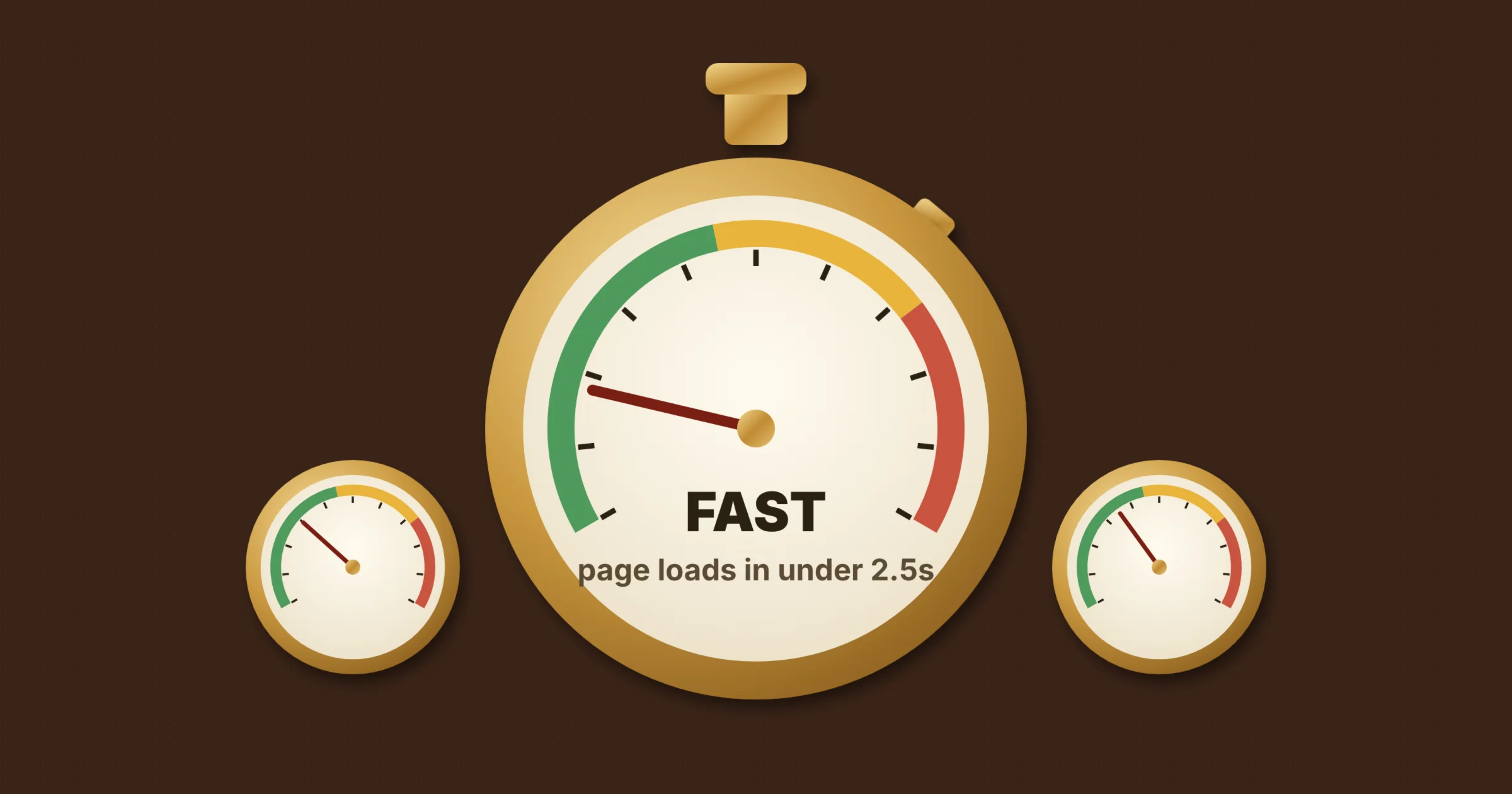
Page speed is how quickly a page loads and responds for real visitors. For marketers it matters because slow pages lose people before they see the offer, waste paid clicks and can hold back search visibility. Most slow sites suffer from the same handful of problems: oversized images, too many third-party scripts, heavy themes and plugins and cheap hosting. Many of those can be fixed without writing code.
Page speed is one part of conversion rate optimisation and of technical SEO. This guide explains why speed matters, how Google measures it, how to test your own pages, what usually slows a site down and what to fix first, in an order that suits someone who is not a developer.
Why page speed matters for marketing
- Conversions: visitors who wait are more likely to leave. In the Milliseconds Make Millions study by Deloitte for Google, a 0.1-second improvement in mobile site speed was linked to an 8.4% increase in conversions for retail sites and 10.1% for travel sites.
- Paid media: every visitor who leaves before the page loads is a click you paid for. Google Ads also considers landing page experience when it judges ad quality.
- Search: Google uses Core Web Vitals as part of its page experience signals. They rarely outweigh relevance and content quality, but between similar pages a faster one has an edge.
- AI search: AI crawlers have limited time per page and many do not run JavaScript. Fast pages that show their text without scripts are easier for them to read and quote.
Speed is not a solved problem for most sites. The HTTP Archive’s 2025 Web Almanac found that 48% of mobile sites and 56% of desktop sites passed all three Core Web Vitals, using Chrome data from July 2025. More than half of mobile sites still fall short.
How Google measures page speed: Core Web Vitals
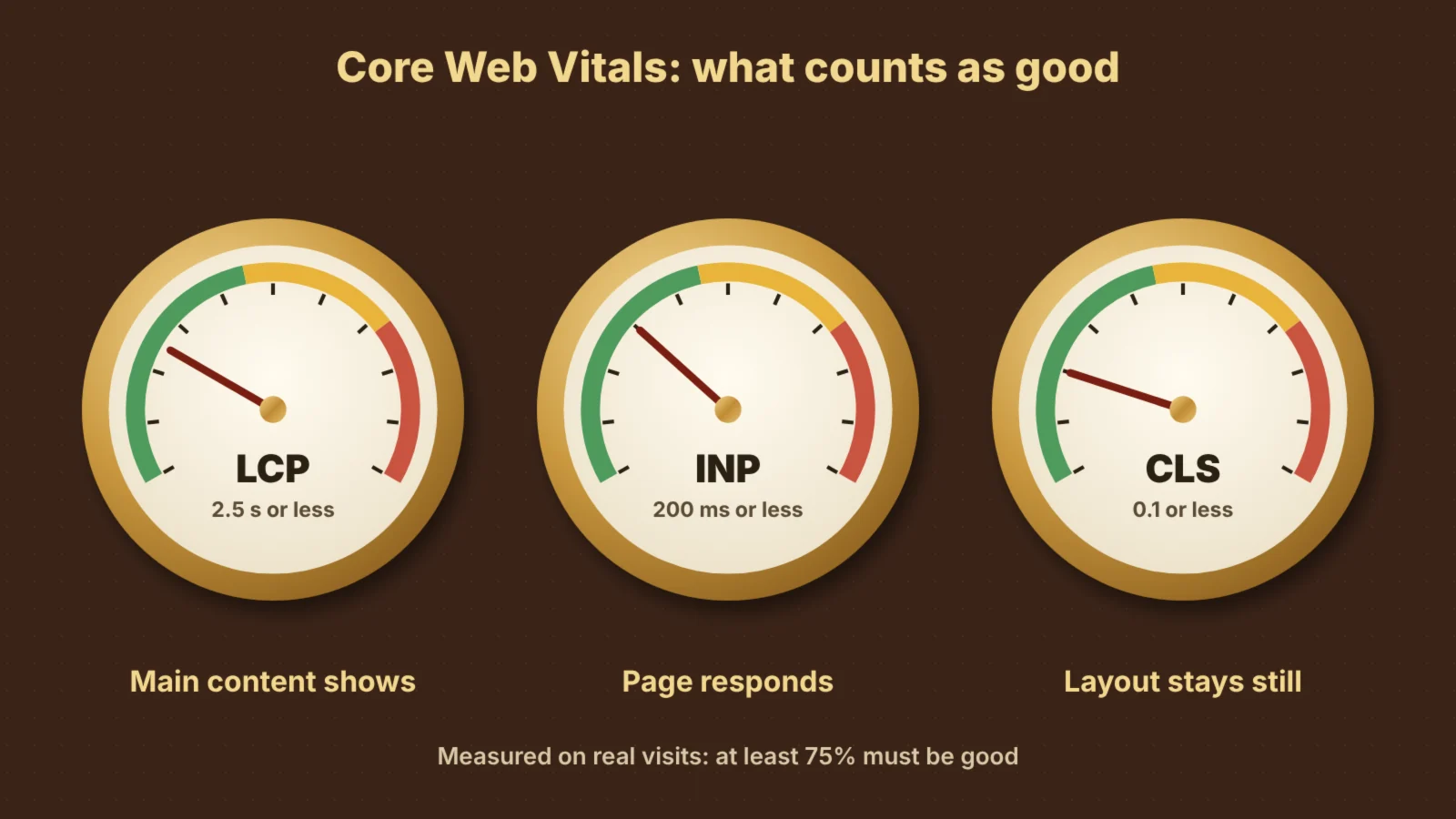
Google measures the experience of real Chrome users with three metrics, known as Core Web Vitals. A page passes when at least 75% of visits meet the “good” threshold for each one.
- Largest Contentful Paint (LCP): how long the main content, usually the hero image or headline, takes to appear. Good is 2.5 seconds or less.
- Interaction to Next Paint (INP): how quickly the page responds when someone taps, clicks or types. Good is 200 milliseconds or less. It replaced First Input Delay in March 2024.
- Cumulative Layout Shift (CLS): how much the layout jumps around while loading, such as a button moving as an image or banner appears. Good is 0.1 or less.
Google explains the thresholds in its Web Vitals guide. For marketers, they translate into three plain questions: does the important part show quickly, does the page react when people use it and does it stay still while they read?
How to test your page speed
PageSpeed Insights
PageSpeed Insights is free and needs no login. Enter a URL and it shows two kinds of result. Field data, at the top, comes from real Chrome users over the last 28 days and is what Google uses. Lab data, the score out of 100 below it, comes from a single simulated test and is useful for finding causes.
Search Console
The Core Web Vitals report in Search Console groups your URLs into good, needs improvement and poor, for mobile and desktop. It shows which page templates have problems, which helps when a fix to one template improves hundreds of pages.
Test the pages that matter
Start with the pages that earn money: the homepage, top landing pages for ads, main service or category pages and the checkout or enquiry form. Test on mobile first, because that is where most problems show up.
Do not chase a perfect lab score. A page scoring 70 that passes Core Web Vitals in the field is in better shape than one scoring 95 in the lab that real users find slow.
What usually slows a site down
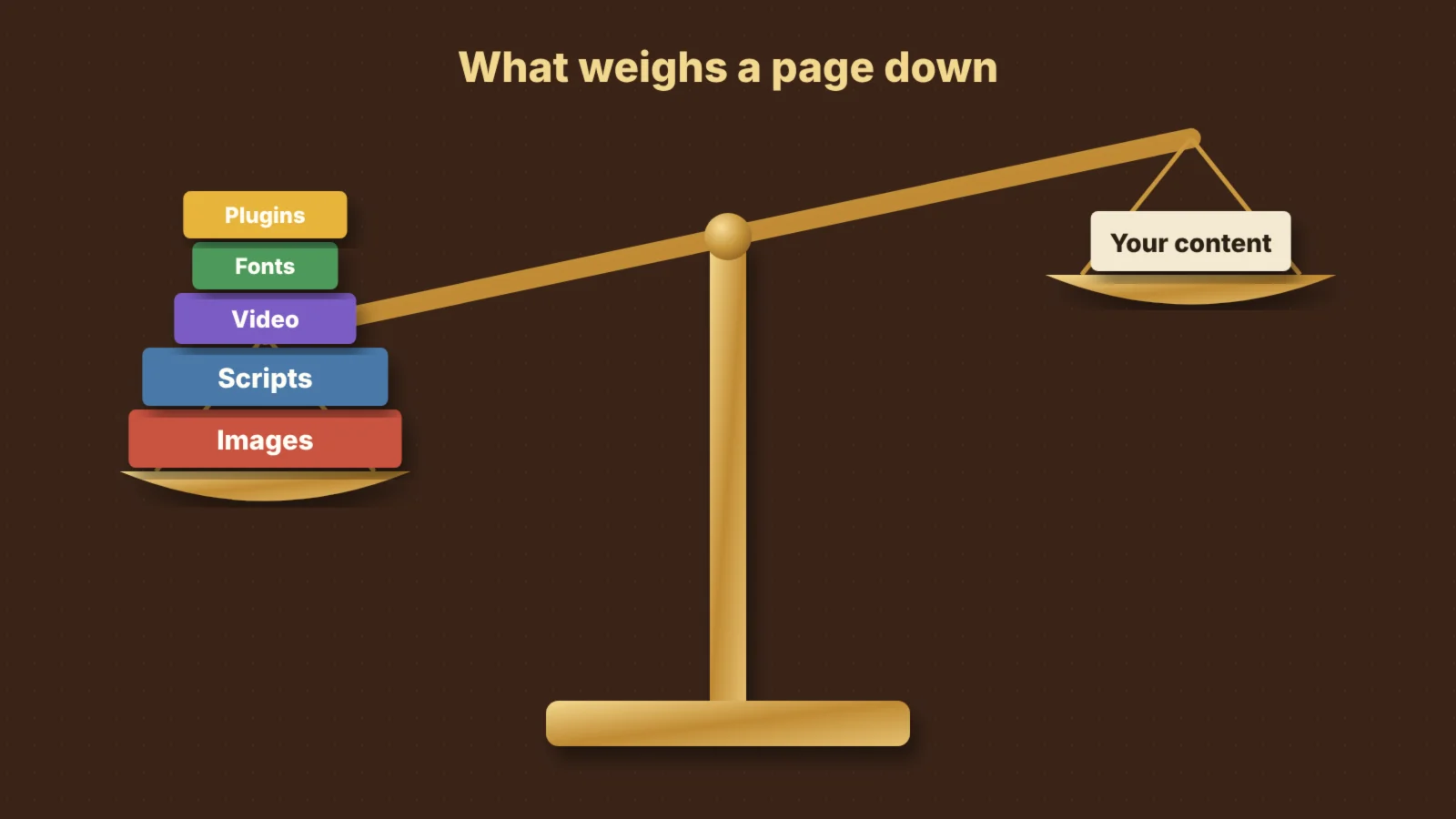
- Large images: photos uploaded straight from a camera or stock site, often several megabytes each, are the most common cause of slow LCP.
- Third-party scripts: chat widgets, advertising pixels, heatmaps, A/B testing tools, review widgets and social feeds each add code from another server. Marketing teams add them over the years and rarely remove them.
- Sliders and autoplay video: carousels and background videos at the top of the page delay the main content and often shift the layout.
- Heavy themes and page builders: multipurpose themes and drag-and-drop builders load a lot of code on every page, whether it is used or not.
- Too many plugins: each plugin can add scripts and database work. The number matters less than what each one loads.
- Web fonts: several font families and weights, loaded from outside the site, delay text and can cause layout shifts.
- Cookie banners and pop-ups: banners that push content down, or pop-ups that appear as the page loads, harm CLS and frustrate visitors.
- Slow hosting: cheap shared hosting with no caching makes every page slow to start, however well it is built.
What to fix first
- Compress and resize images. Export images at the size they are shown and in WebP or AVIF format. Keep most under 200 KB. Most CMSs have plugins that do this automatically on upload.
- Load the hero image first. Do not lazy-load the main image at the top of the page. Lazy-load images further down instead.
- Audit third-party scripts. List every tag in your tag manager and site code, who owns it and whether anyone still uses it. Remove the ones nobody can justify, and load the rest after the page has appeared where possible.
- Turn on caching and a CDN. A caching plugin and a content delivery network, such as Cloudflare, serve pages faster to visitors across the UK and beyond. Many hosts include both.
- Reserve space for things that load late. Set dimensions for images, videos, embeds and banners so the layout does not jump. Show cookie banners as an overlay rather than pushing content down.
- Simplify the top of the page. Replace sliders and background videos with one strong image and headline. Our guide to landing page anatomy shows what the first screen needs.
- Review fonts, theme and hosting. Use one or two font families, consider a lighter theme at the next redesign and move to better hosting if the server is slow to respond.
The first five steps are usually within reach of a marketer with access to the CMS and tag manager. The last two often need a developer, so bring them evidence from PageSpeed Insights and Search Console showing which pages and metrics are affected.
Page speed and AI search
AI search tools fetch pages quickly and move on. Many of their crawlers do not run JavaScript, so text that appears only after scripts load may not be read at all. Pages that are fast, light and readable in plain HTML are easier for these tools to use as sources.
The Kutola AI Readiness Checker tests whether a page loads correctly, responds quickly and shows its text without JavaScript, alongside crawler access and structure.
Common page speed mistakes
- Chasing the lab score. Field data from real users is what Google uses and what customers feel.
- Testing only on a fast office connection. Your visitors are often on mobile data and older phones.
- Adding tags without removing any. Every new tool should replace something or prove its worth.
- Lazy-loading the hero image. It delays exactly the part of the page that matters most.
- Installing several speed plugins at once. Overlapping caching and optimisation plugins can conflict and break pages.
- Fixing once and forgetting. New campaigns, plugins and images slowly undo the work, so check key pages every month.
Frequently asked questions
What is a good page speed?
A page is considered fast when it passes Google’s Core Web Vitals for real users: main content showing within 2.5 seconds, responses to taps and clicks within 200 milliseconds and layout shift of 0.1 or less, for at least 75% of visits.
Does page speed affect SEO?
Yes, but modestly. Core Web Vitals are part of Google’s page experience signals, which can make a difference between pages of similar relevance and quality. Speed has a bigger effect on conversions and on how well paid traffic performs.
Why is my PageSpeed Insights score different every time?
The lab score comes from a single simulated test, so it varies with server response, network conditions and third-party scripts at that moment. Focus on the field data at the top of the report, which reflects 28 days of real visits.
Can I improve page speed without a developer?
Often, yes. Compressing images, removing unused tags, turning on caching and a CDN and reserving space for late-loading elements are usually possible through your CMS, hosting panel and tag manager. Theme, font and code changes may need a developer.
What slows down a website the most?
On most marketing sites, large images and third-party scripts such as chat widgets, pixels and testing tools cause the biggest delays, followed by heavy themes, sliders and slow hosting.
On this page
Back to topTurn a slow site into a faster one that converts
Kutola finds what is slowing your key pages, fixes what can be fixed quickly and gives your developers a clear, prioritised list for the rest, so more of your visitors and paid clicks turn into enquiries. See how it fits into our brand and digital experience work, or get in touch to talk through your site.