How to run a social media audit in an afternoon
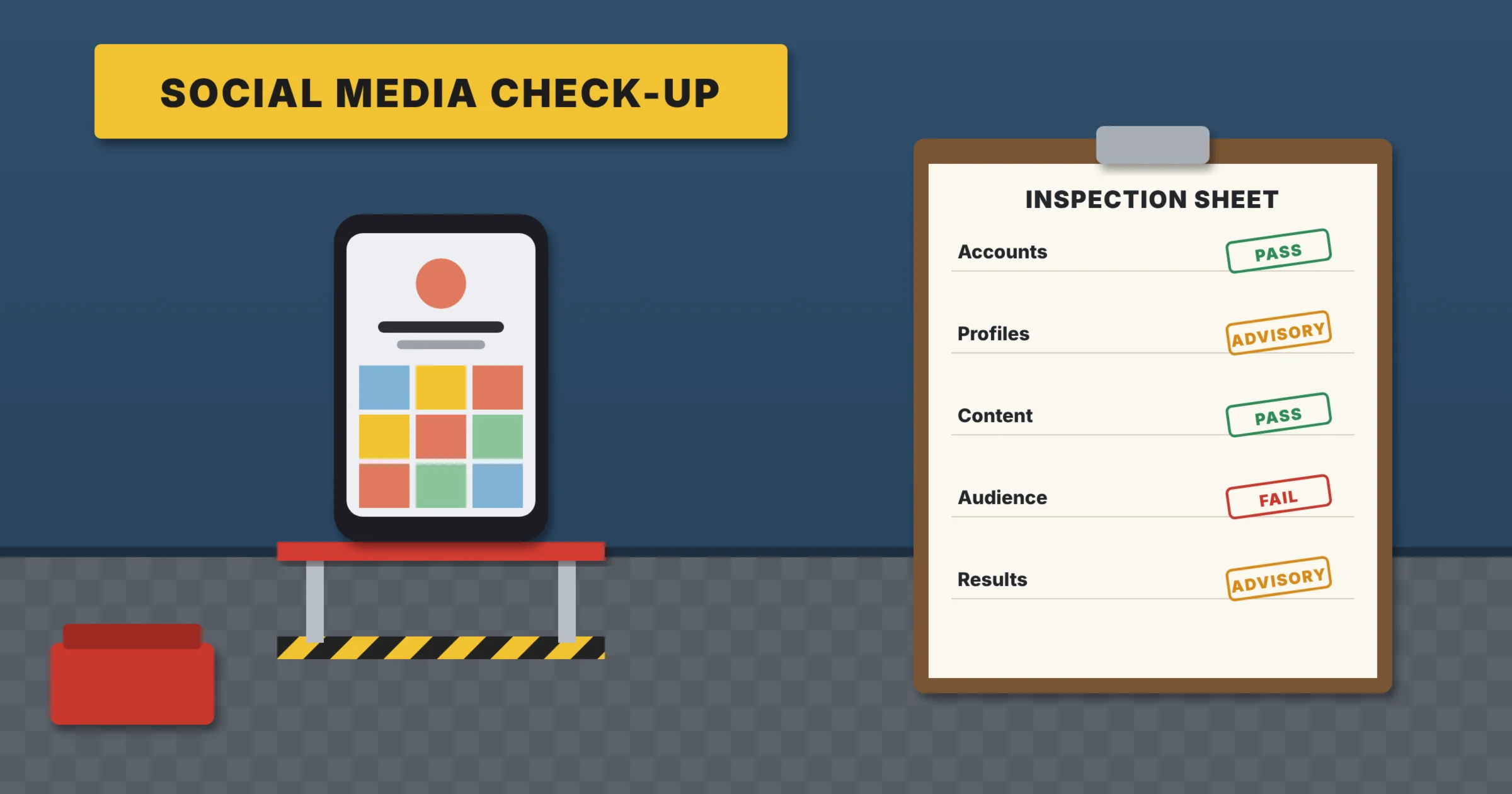
A social media audit is a structured review of every account your business runs: what each one is for, how it looks, what you publish, how people respond and whether any of it leads to enquiries or sales. You can run a useful one in an afternoon with a spreadsheet, the analytics built into each platform and an honest eye.
It is the social branch of a full digital marketing audit, and its findings feed straight into your social media strategy. This guide covers what to check, a step-by-step process you can finish in about four hours, a checklist to copy and the mistakes that make audits useless.
What is a social media audit?
A social media audit answers three questions. Which accounts do we have, and should we keep them all? Are they working, measured against goals rather than vanity numbers? What should we start, stop and change?
The output is not a report for the drawer. It is a short list of decisions: accounts to close, profiles to fix, content to drop, formats to try and metrics to track from now on.
When to run a social media audit
- Once a year, as part of planning for the next twelve months.
- When results drop for two or three months in a row with no obvious cause.
- Before you hire an agency, a freelancer or a new social media manager, so everyone starts from the same facts.
- After a rebrand, a merger or a change in what you sell.
- When nobody can say who has the password to an old account.
What a social media audit covers
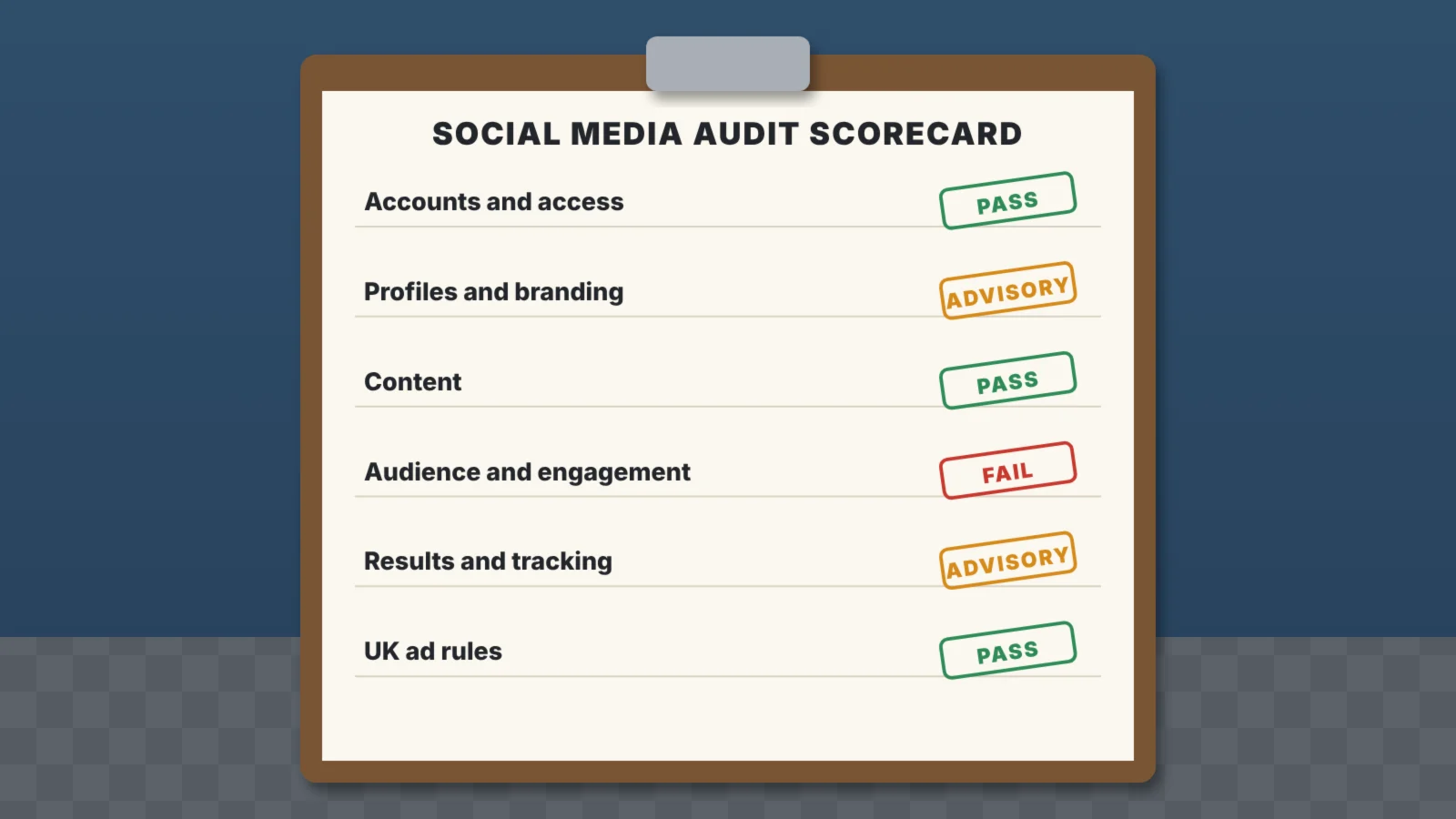
Accounts and access
List every account, including old ones, regional pages and staff-run groups that use your name. Note who owns the login, whether two-factor authentication is on and which former staff or agencies still have admin access.
Profiles and branding
Check that names, handles, logos, bios and links match across platforms and follow your brand guidelines. Profiles are also search results. Clear names, keywords in bios and complete business details help people find you on the platforms themselves, which our guide to social media SEO covers in more depth.
Content
Look at the last three to six months of posts. Which topics, formats and hooks earned saves, shares, comments and clicks? Which went nowhere? Map what you find against your content pillars.
Audience and engagement
Check who actually follows and engages with you: location, age range and, on LinkedIn, job function and industry. Compare that with the target audience you are trying to reach. A large following in the wrong place is worth little.
Results
Follow the path from post to profile visit, website click, enquiry and sale. Use the platform analytics for reach and engagement, and GA4 with tagged links for what happens on your site. Tracking that path is covered in our guide to marketing attribution.
How to run a social media audit in 7 steps
- List every account. Search each platform for your brand name and common misspellings. Record the platform, handle, URL, owner and last post date in one spreadsheet.
- Fix access first. Remove people who have left, turn on two-factor authentication and move logins into a shared password manager.
- Set the goal for each account. Write one line per platform: awareness, community, customer service, leads or recruitment. An account without a goal is a candidate for closing.
- Pull the numbers. Export three to six months of data from each platform’s analytics: followers, reach, engagement rate, profile visits, link clicks and, from GA4, sessions and key events from social. Use the same date range everywhere.
- Review the content. Sort posts by engagement and by clicks. Note the top ten and bottom ten and what they have in common, such as topic, format, length or time of day.
- Check competitors. Look at two or three competitors’ accounts for posting frequency, formats and the response they get. A quick competitor analysis shows gaps you can fill.
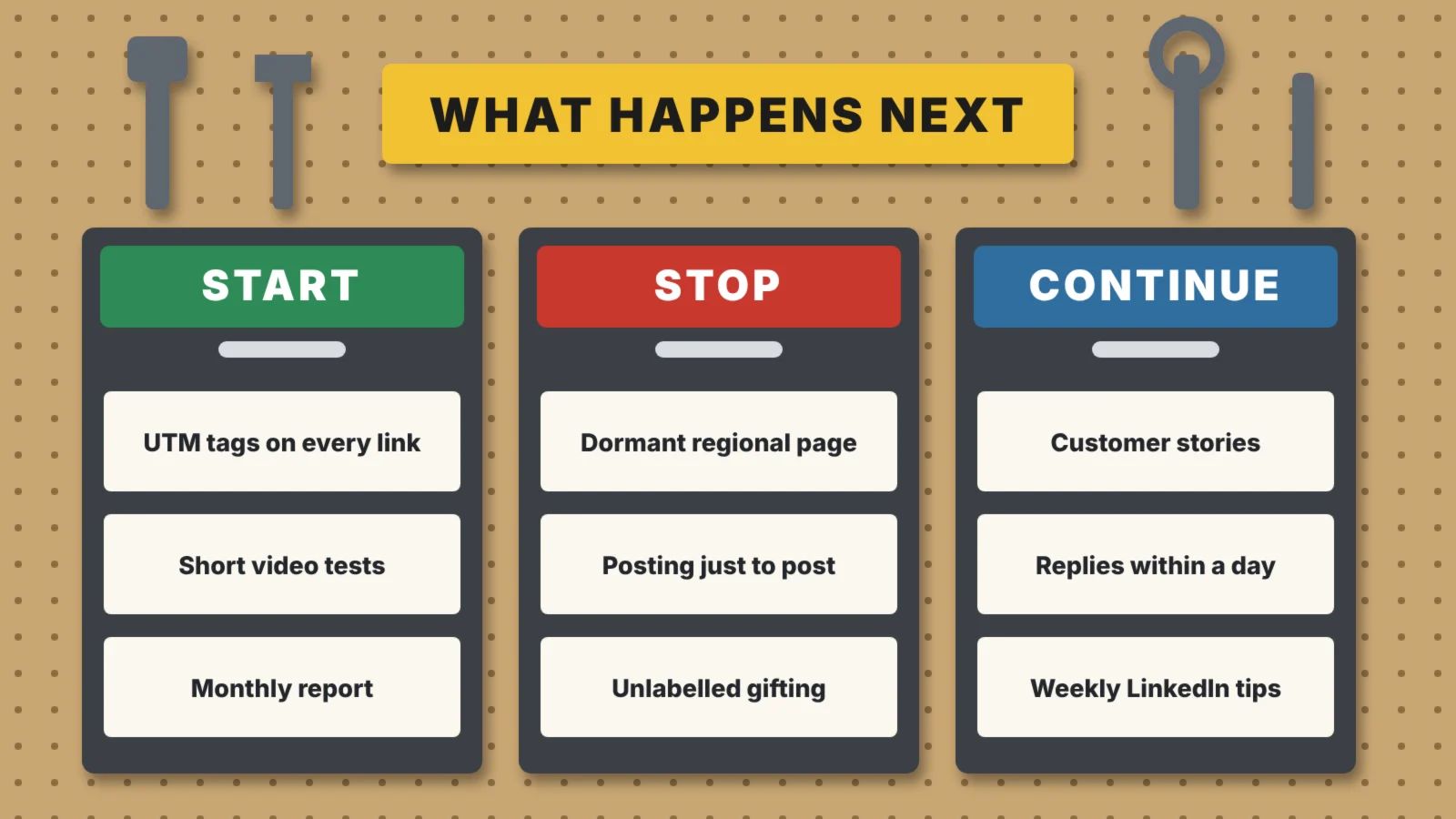
- Decide and assign. Turn findings into start, stop and continue actions, each with an owner and a date. Set the three to five metrics you will report monthly.
Social media audit checklist
Copy this into your spreadsheet and score each line as pass, advisory or fail.
- Every account is listed, with an owner and a goal.
- Admin access is limited to current staff, with two-factor authentication on.
- Names, handles, logos and bios are consistent and on-brand.
- Bios say what you do, who for and where, with a working link.
- Contact details, opening hours and locations match your website and Google Business Profile.
- Posting frequency is steady, with no long gaps.
- The best-performing posts share a clear pattern you can repeat.
- Engagement comes from people in your target audience.
- Links in bios and posts carry UTM tags.
- Social traffic and key events are visible in GA4.
- Paid partnerships and ads are clearly labelled.
- Comments and messages get a reply within a set time.
UK rules to include in the audit
Anything you pay for or reward has to be obviously identifiable as advertising under the CAP Code, which the Advertising Standards Authority enforces. That includes posts by creators you have gifted products to, so check old partnership posts as well as new ones. Our guide to influencer marketing explains the labelling rules.
Check competitions and giveaways against the CAP Code’s rules on promotions, and make sure claims in posts have evidence behind them. Reviews and testimonials you share must be genuine: fake reviews have been banned outright in the UK since April 2025.
Turn the findings into a plan
Keep the action list short. Five changes that happen beat twenty that do not. Close or archive accounts with no goal and no audience, and point people to the ones you keep.
Put the content decisions into your content calendar, and report the agreed metrics monthly against the KPIs the business already uses. Repeat the audit in a year, or sooner if something big changes.
Common social media audit mistakes
- Counting followers. Growth in the wrong audience changes nothing for the business.
- Comparing platforms directly. Each one counts reach and engagement differently, so compare each with its own past.
- Skipping access. A former agency with admin rights is a bigger risk than a weak post.
- Auditing without goals. If nobody agreed what an account is for, there is nothing to measure it against.
- Ignoring the website. Engagement that never turns into a visit or an enquiry should be questioned.
- Writing a long report. Decisions and owners matter more than slides.
Frequently asked questions
What is a social media audit?
A social media audit is a review of all your business’s social accounts: what each one is for, how the profiles look, which content works, who engages and whether social activity leads to enquiries or sales. It ends with a short list of actions.
How long does a social media audit take?
A small business with three or four accounts can finish a useful audit in an afternoon, around four hours. Larger brands with many regional accounts or paid campaigns may need a few days.
How often should you audit your social media?
Once a year is enough for most businesses, plus an extra check when results drop for several months, before hiring an agency or after a rebrand.
What tools do you need for a social media audit?
A spreadsheet, each platform’s built-in analytics and Google Analytics 4 are enough. Paid scheduling and listening tools save time on larger accounts but are not essential.
What metrics should a social media audit look at?
Look at reach, engagement rate, saves and shares, profile visits, link clicks and, in GA4, sessions and key events from social. Judge each platform against its goal, not against the others.
On this page
Back to topGet a clear view of your social channels
Kutola audits your social accounts alongside search, content and paid media, then turns the findings into a plan you can act on. See how it fits into our social media strategy work, or get in touch to book an audit.